
Good evening friends what's new happing in you life about technology share with us if possible this is not force I am just joking in internet world every phone without internet is worthless .
Today I am sharing one offer or a website which will help to minimize your calling balance because everyday we need to call some one and for calling purpose we need the calling balance there are in the online many apps that will help you to call via internet free but the disadvantage is that you need the same app to aceept there call for communication. For example Skype,IMO,whatsapp,hike are the some example of online call using internet balance but I am sharing you one way to make free call with the help of internet without using any app or any plugin or extension online to make a free call you need one simple webbrowser to make free call
PopTox lets you make free callsfrom your PC or Smartphone
How to make free call with internet ?

Step 1. Visit poptox website
Step 2. Just scroll down to find out phone dial pad.
Step 3. Then from dropdown list select the India or any destination country(if you want to make free call with Indian friend then select country as India otherwise select country with your need)
Step 4. Now dial your friend mobile number and click on call button
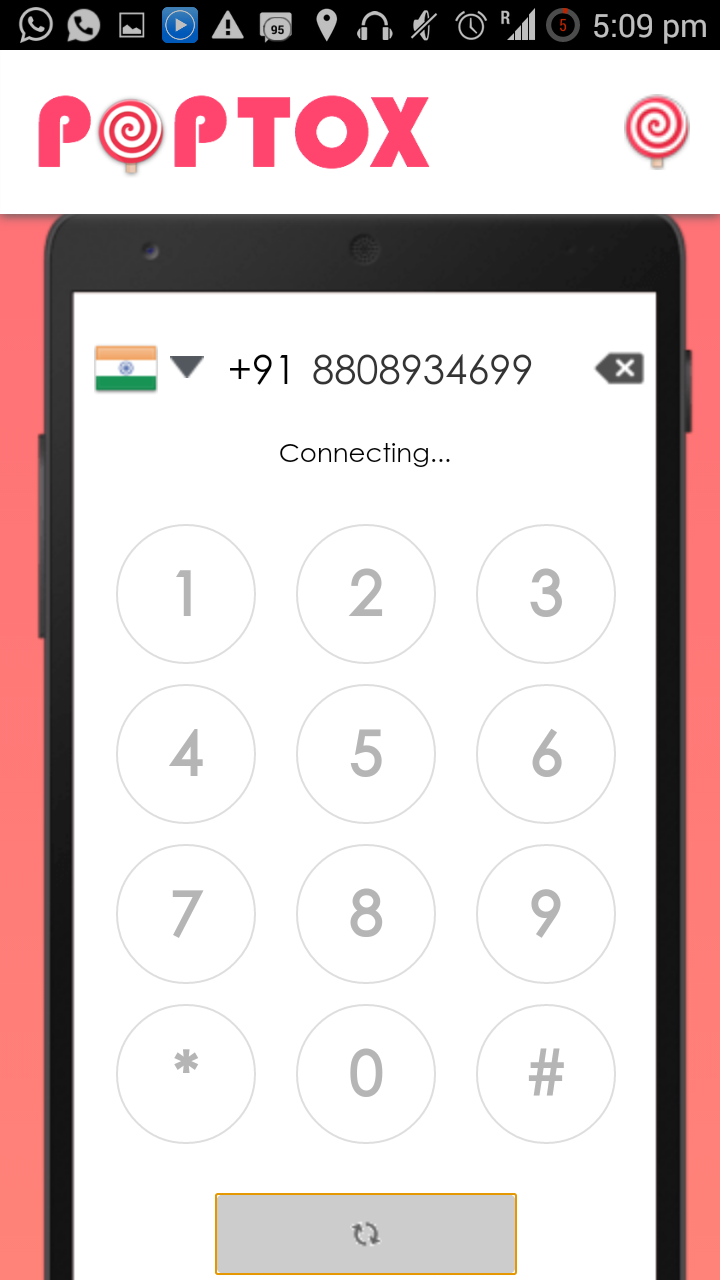
Step 5. If you are using this site for first time then allow the mic sync for making call
Step 6. Now wait your friend get one call from international number he needs to aceept that call then you and your friend can talk each other using this way
BENIFITS
1.No need of extra apk or iOS app
2.No need of signup
3.No Need of extra plugin
4.all call done with encryption
DRAWBACKS
1.All calls have some limits
Hi have you enjoyed this free calling via internet just comment down your experience
Today I am sharing one offer or a website which will help to minimize your calling balance because everyday we need to call some one and for calling purpose we need the calling balance there are in the online many apps that will help you to call via internet free but the disadvantage is that you need the same app to aceept there call for communication. For example Skype,IMO,whatsapp,hike are the some example of online call using internet balance but I am sharing you one way to make free call with the help of internet without using any app or any plugin or extension online to make a free call you need one simple webbrowser to make free call
PopTox lets you make free callsfrom your PC or Smartphone
How to make free call with internet ?
Step 1. Visit poptox website
Step 2. Just scroll down to find out phone dial pad.
Step 3. Then from dropdown list select the India or any destination country(if you want to make free call with Indian friend then select country as India otherwise select country with your need)
Step 4. Now dial your friend mobile number and click on call button
Step 5. If you are using this site for first time then allow the mic sync for making call
Step 6. Now wait your friend get one call from international number he needs to aceept that call then you and your friend can talk each other using this way
BENIFITS
1.No need of extra apk or iOS app
2.No need of signup
3.No Need of extra plugin
4.all call done with encryption
DRAWBACKS
1.All calls have some limits
Hi have you enjoyed this free calling via internet just comment down your experience



No comments:
Post a Comment
Thanks For Comment