
Yes is this possible on all android devices there are no need of administrative permission like root or other you can use it easily
Hi good evening friends .in android phone apk are the most important like whatsapp,hike ,Facebook and more but android allowed you to install only one app and you need to use one account per app
And we can't install a app twice means we can't use 2 same app at a time
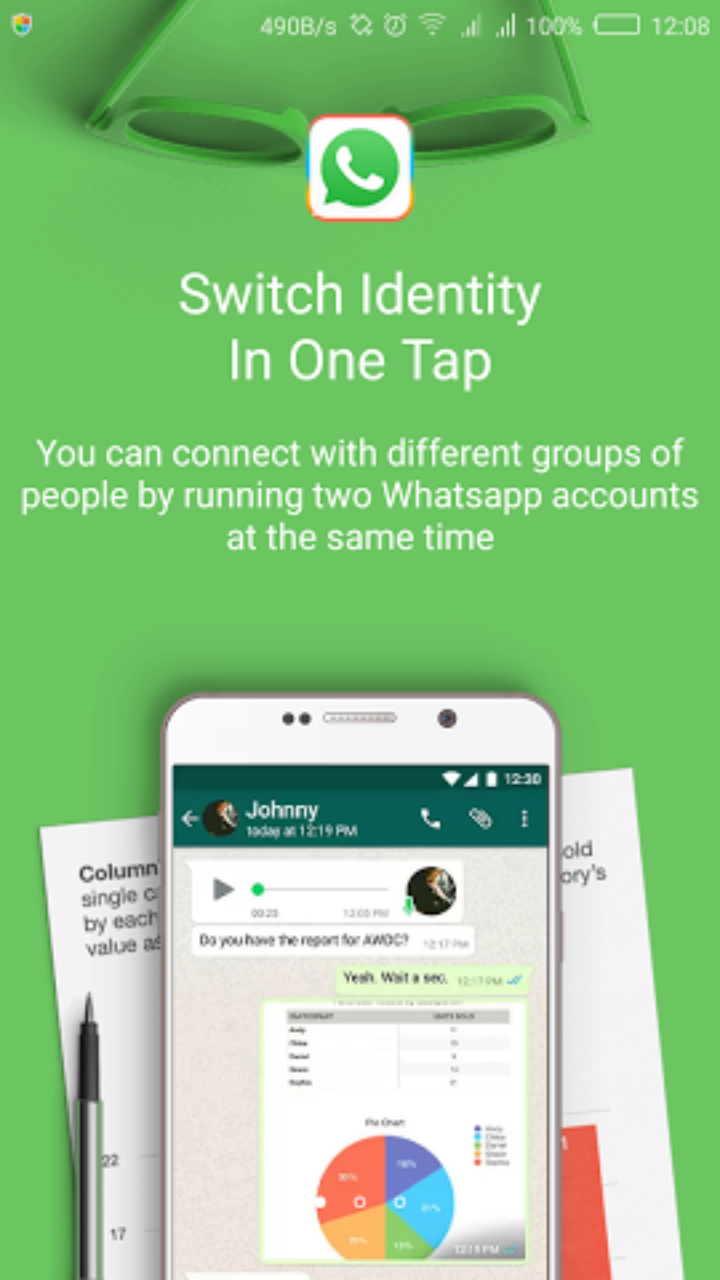
So there are many application that support the parallel space for running same application twice
What is parallel space?
Parallel Space is an unique app which allows you to sign in two different Facebook accounts simultaneously on a single Android device.
Features:
• Unique: Based on our unique container technology, Parallel Space is the only app in Google Play which allows you to run multiple accounts simultaneously
• Powerful yet tiny: As small as 2MB.
• Facebook: Connect different friends with second Facebook account
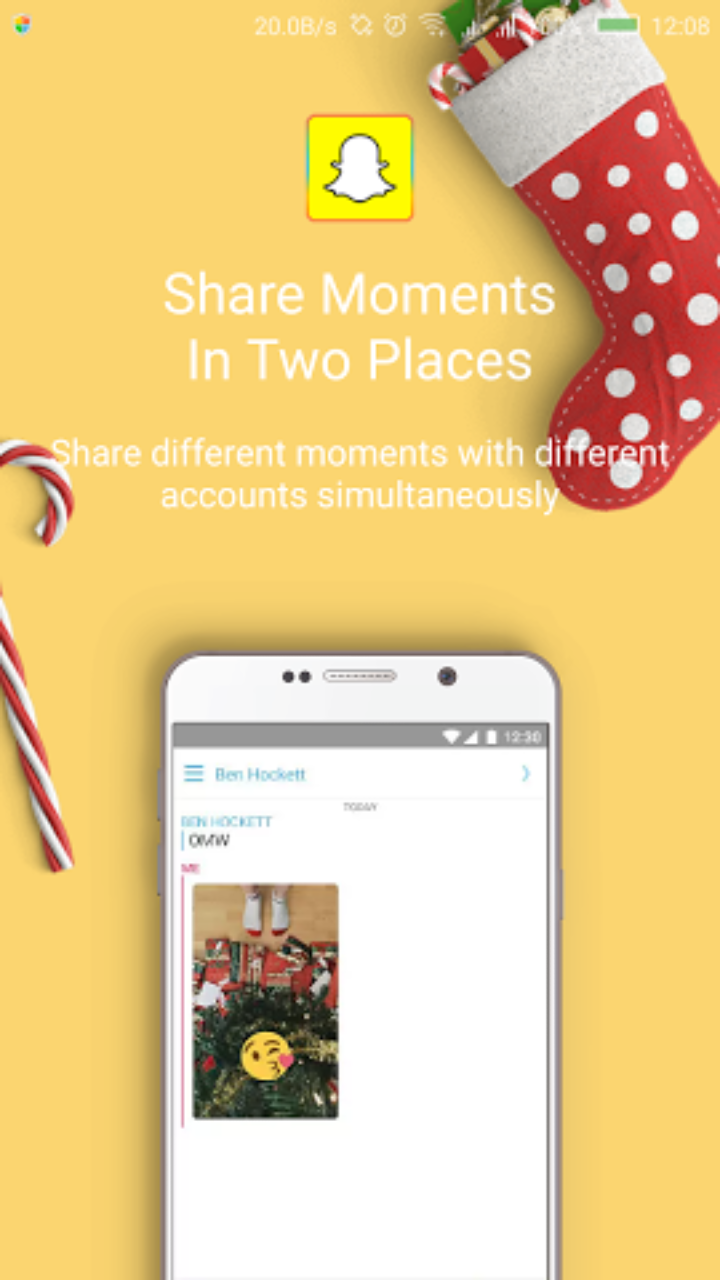
• Instagram: Share different photos with second Instagram account
• Games: Play two accounts at the same time and double up the fun!
• Parallel Space supports 99%+ apps in Google Play, explore it by yourself now!
How to use parallel space app?
1.Download the parallel space
2.install it and open
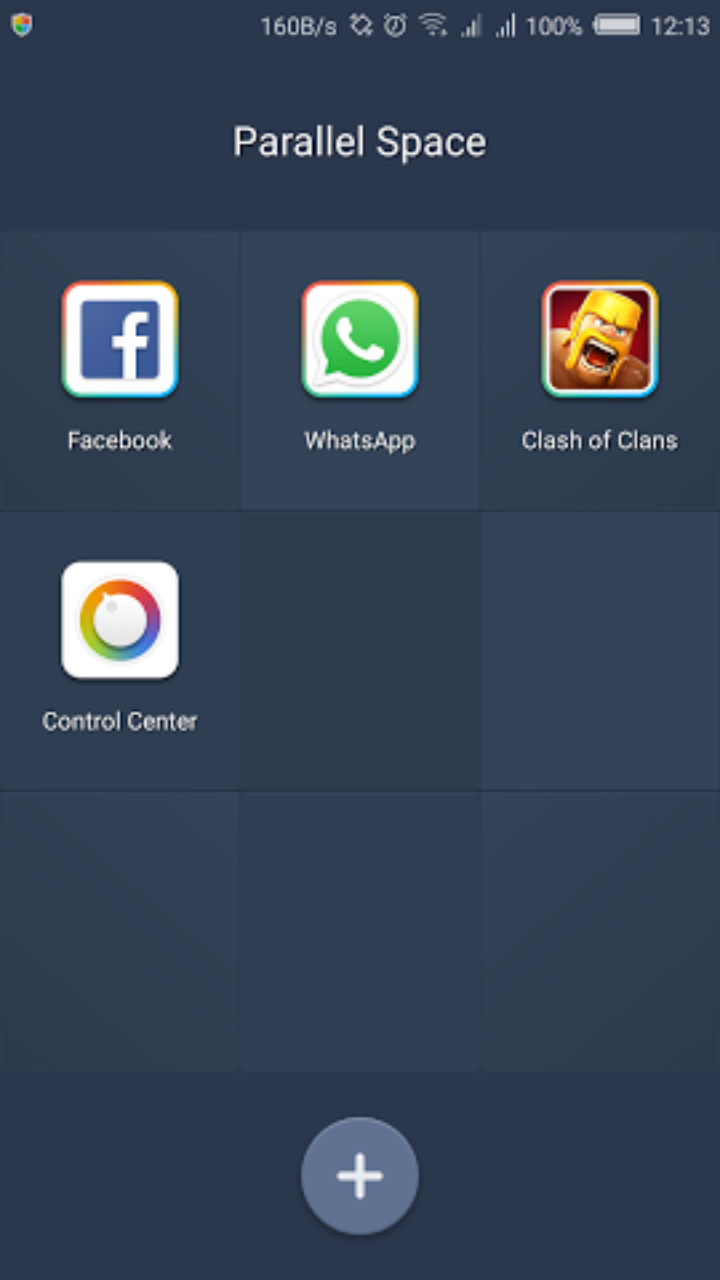
3.now click on + button to add a new app in parallel space
4.after adding a new app clik on it it will open as regular app now enjoy the same app with another account
5.to open that account which is in parallel space just click on parallel space you will see all added app now open a app from it
6.enjoy
Please don't forget to comment how would you like this tutorial if you like this tutorial share it with your friends
Hi good evening friends .in android phone apk are the most important like whatsapp,hike ,Facebook and more but android allowed you to install only one app and you need to use one account per app
And we can't install a app twice means we can't use 2 same app at a time
So there are many application that support the parallel space for running same application twice
What is parallel space?
Parallel Space is an unique app which allows you to sign in two different Facebook accounts simultaneously on a single Android device.
Features:
• Unique: Based on our unique container technology, Parallel Space is the only app in Google Play which allows you to run multiple accounts simultaneously
• Powerful yet tiny: As small as 2MB.
• Facebook: Connect different friends with second Facebook account
• Instagram: Share different photos with second Instagram account
• Games: Play two accounts at the same time and double up the fun!
• Parallel Space supports 99%+ apps in Google Play, explore it by yourself now!
How to use parallel space app?
1.Download the parallel space
2.install it and open
3.now click on + button to add a new app in parallel space
4.after adding a new app clik on it it will open as regular app now enjoy the same app with another account
5.to open that account which is in parallel space just click on parallel space you will see all added app now open a app from it
6.enjoy
Please don't forget to comment how would you like this tutorial if you like this tutorial share it with your friends



No comments:
Post a Comment
Thanks For Comment